A brand new gaming laptop runs cool. Twelve months later, the same laptop is throttling under the exact same games it used to handle fine, with fans working harder for less performance. This isn't your imagination, and it isn't dust alone either. In a large share of cases, the actual cause is the stock thermal paste breaking down faster than expected under the sustained heat cycling a gaming laptop puts it through, and there's a specific fix for it that most repair shops still don't offer.
Why Gaming Laptops Specifically Overheat Faster Than Other Laptops
Gaming laptops run their CPU and GPU at sustained high temperatures far more often than a typical productivity laptop. Standard thermal paste is a liquid suspension of thermally conductive particles, and repeated heating and cooling cycles cause a well documented issue called pump out, where the paste gradually migrates away from the center of the chip toward the edges under thermal expansion and contraction. Once pump out has progressed, the center of the chip, the hottest point, is left with a thinner layer of paste than it started with, and temperatures climb even though nothing else in the laptop has changed.
This is precisely why so many gaming laptops that ran fine at launch start throttling within a year of regular use, while the same laptop used lightly for browsing and documents might not show the issue for much longer.
What PTM7950 Actually Is
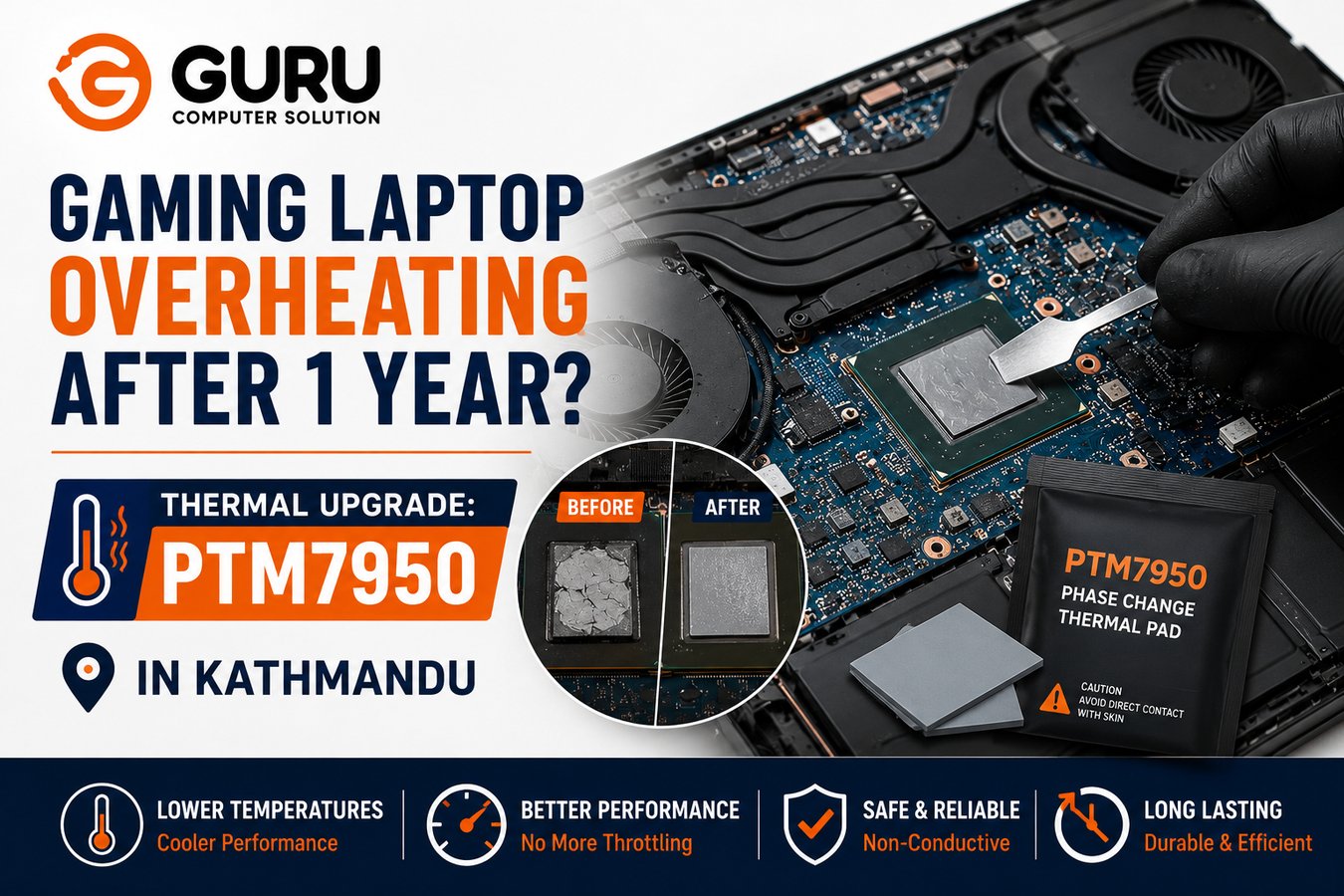
PTM7950 is a phase change thermal material originally developed by Honeywell for industrial and high performance computing applications, not a repackaged paste. Unlike standard thermal paste, it ships as a solid pad. Once installed and the chip reaches its operating temperature (its phase change point is around 45°C), the material softens into a semi liquid state that flows into and fills the microscopic surface irregularities between the chip and heatsink, then returns to a more solid state as it cools. This cycle repeats every time the laptop heats up and cools down, rather than degrading with each cycle the way standard paste does.
The properties that matter for a gaming laptop specifically:
- Thermal conductivity around 8.5 W/mK, notably higher than most consumer thermal pastes
- Extremely low thermal resistance, rated at less than 0.04°C·cm²/W once properly seated with no shim
- Certified through 1,000 thermal cycles in reliability testing, with performance reported to hold steady or even improve slightly over repeated cycling, rather than degrading
- Designed specifically not to pump out, directly addressing the exact failure mode that causes standard paste to underperform after months of gaming laptop use
This is also why it isn't just an enthusiast fad. Major manufacturers, including Nvidia and Lenovo, have used PTM7950 as factory standard material on select flagship GPUs and gaming laptops, rather than it being purely an aftermarket upgrade.
What Real World Results Actually Look Like
Independent reports from users who've replaced degraded stock paste with PTM7950 on gaming laptops consistently describe meaningful temperature drops under sustained load, commonly in the range of 10°C or more on both CPU and GPU, along with a smaller gap between individual core temperatures, meaning more even heat distribution across the chip rather than isolated hot spots. Several users specifically note the change eliminating throttling that was present even with clean fans and vents, which lines up with the pump out explanation above: cleaning fixes airflow, but it doesn't fix paste that has already migrated away from the hottest part of the chip.
Why This Is Different From a Standard Repaste
A standard thermal paste replacement addresses one specific symptom: paste has dried out or pumped out, so fresh paste is applied. It's a legitimate and necessary service, and for laptops without severe sustained thermal cycling, it remains a perfectly reasonable choice.
A PTM7950 thermal upgrade is a different proposition specifically for gaming laptops:
- It's not just refreshing degraded material, it's replacing paste with a fundamentally different material designed to resist the specific failure mode (pump out) that gaming workloads accelerate
- Because it doesn't pump out under thermal cycling, the interval between needing to reapply is meaningfully longer than with standard paste
- It performs consistently at the CPU and GPU's hottest operating point, exactly where standard paste's pump out effect causes the most damage
This is why we frame it specifically as a thermal upgrade rather than a routine repaste. It's solving a different problem than a standard service addresses.
Is PTM7950 Right for Every Laptop?
Not necessarily, and it's worth being honest about where it makes the most sense.
Strong candidates:
- Gaming laptops showing throttling or rising temperatures roughly a year or more after purchase, especially with heavy or sustained use
- Laptops that have already had a standard repaste and returned to elevated temperatures within a relatively short time afterward
- High performance CPU and GPU combinations that run hot even under well managed airflow
Less critical for:
- Lighter use laptops that rarely sustain high load for extended periods, where standard paste's pump out effect has less opportunity to develop meaningfully
- A laptop's very first thermal service, where standard paste replacement combined with a proper cleaning may resolve the issue without needing the upgrade
How the Thermal Upgrade Process Works
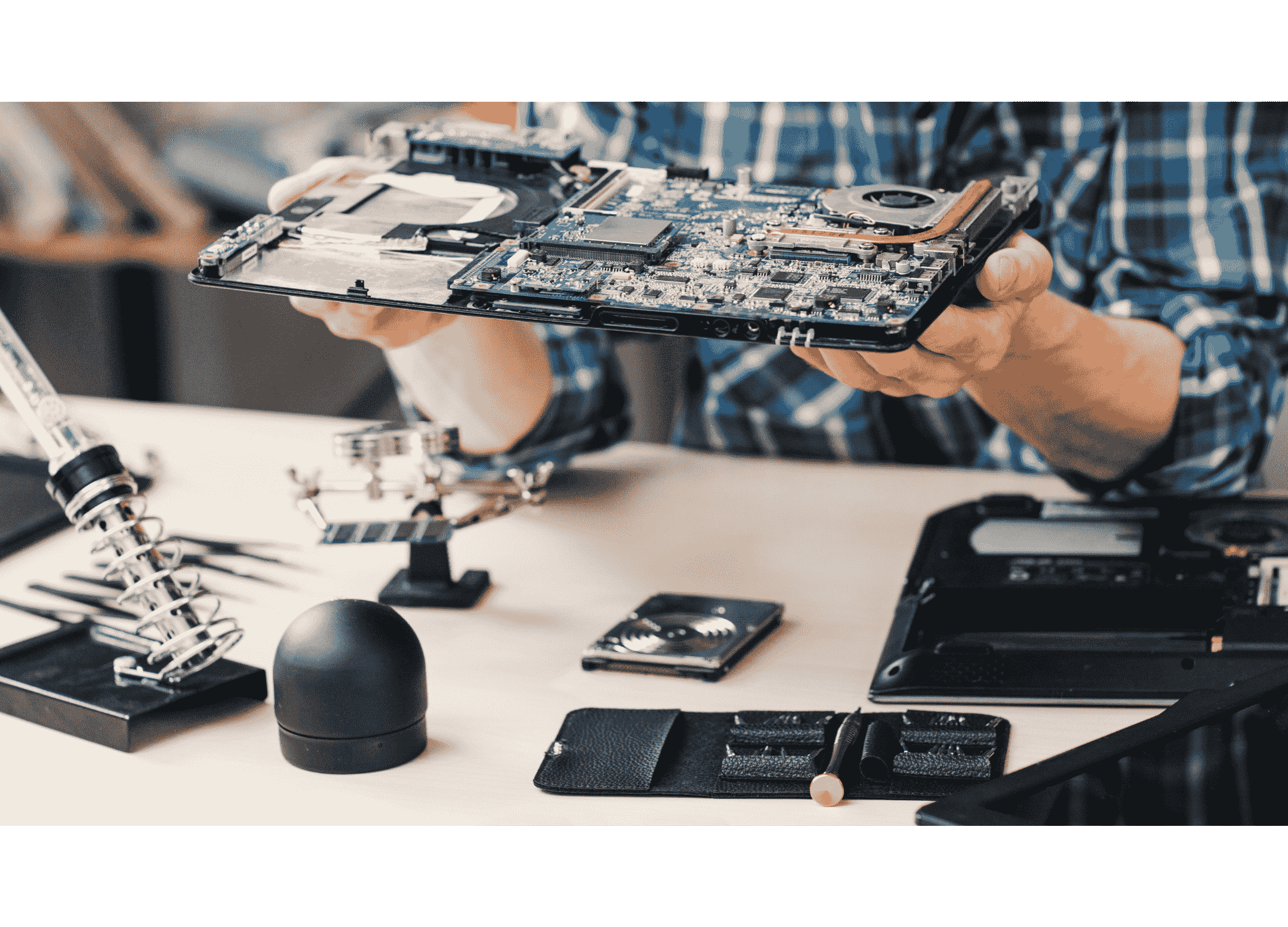
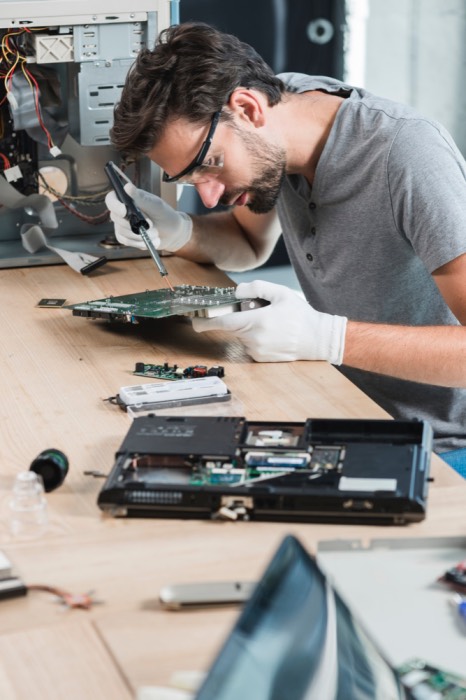
- Full disassembly to access the CPU and GPU directly
- Removal of old thermal material and thorough cleaning of both chip and heatsink contact surfaces
- Precise cutting and application of the PTM7950 pad, matched to the exact chip die size for correct coverage without excess overhang
- Reassembly with correct mounting pressure, since even the best thermal material underperforms without proper contact pressure from the heatsink
- Load testing to confirm actual temperature improvement before the laptop is returned, comparing before and after figures under sustained gaming load rather than a brief idle check
Why Choose Guru Computer Solution for PTM7950 Thermal Upgrades in Kathmandu
Genuine, Verified Material We source PTM7950 from verified channels rather than unconfirmed listings, given how much real world performance depends on getting authentic material rather than an underperforming substitute.
Precise, Model Specific Application We cut and apply the pad to match your specific CPU and GPU die dimensions, rather than a generic one size fits all approach.
Before and After Load Testing We measure sustained load temperatures both before and after the upgrade, so you see the actual improvement rather than taking it on faith.
Honest Guidance on Whether You Need It If your laptop's overheating is better explained by dust buildup or airflow issues alone, we'll say so rather than upselling a thermal upgrade that won't meaningfully change your specific situation.
Conclusion
A gaming laptop throttling within a year of purchase, even with clean vents and fans, is a strong sign that the stock thermal paste has pumped out from the hottest point of the chip, a well documented failure mode under sustained thermal cycling. PTM7950 addresses this directly, with a phase change material engineered specifically to resist pump out rather than just refreshing degraded paste with more paste. It isn't necessary for every laptop, but for a gaming laptop already showing this exact pattern, it's a meaningfully different and more durable fix than a standard repaste alone.
If your gaming laptop is overheating or throttling despite clean fans and vents, contact Guru Computer Solution in Kathmandu for a proper diagnosis and PTM7950 thermal upgrade.