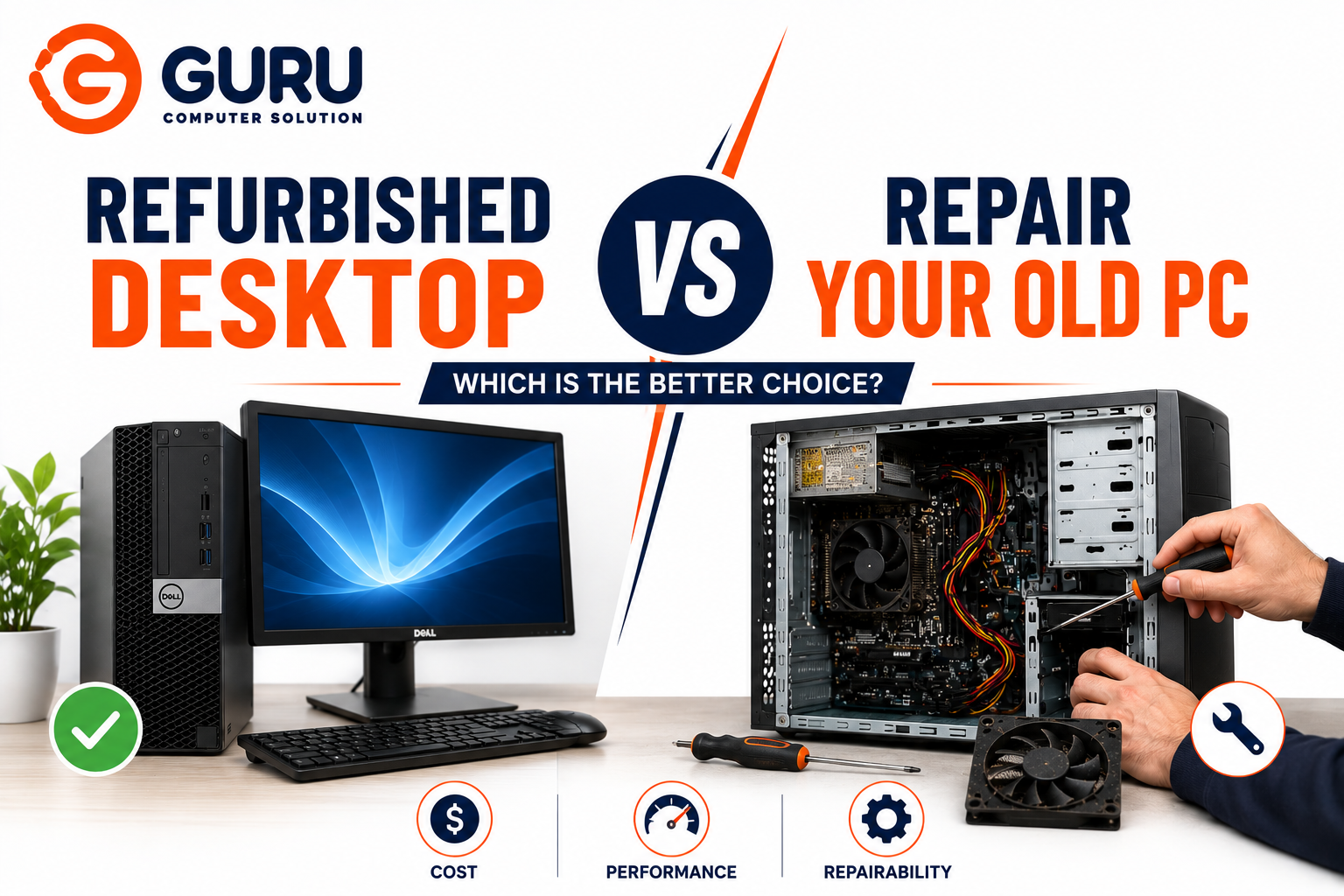
A desktop starts acting up. It runs slow, becomes unstable, or refuses to boot altogether. The question isn't really "can this be fixed," it's "should it be." Between fixing what you have and buying a refurbished replacement, the right answer depends less on the machine's age alone and more on a handful of specific factors most people never actually calculate before deciding.
The Core Comparison That Actually Matters
Both options are fundamentally about extending a PC's usable life at a fraction of new machine cost, just from opposite directions. Repair keeps your exact current system running by fixing or upgrading what's failed or fallen behind. A refurbished desktop swaps your entire system for a professionally inspected, tested, and restored used unit, typically priced well below new hardware while covering roughly similar performance tiers.
Neither is universally better. The right call depends on your specific system's condition, what's actually wrong with it, and what you use it for.
A Practical Cost Threshold to Start With
The simplest, most consistently cited rule of thumb across repair professionals: compare the repair cost to what a comparable replacement (refurbished or new) would actually cost, not the newest flagship model, but something equivalent to what you currently have.
As a rough framework:
- Repair cost under roughly 30 to 40 percent of replacement cost: repair is usually the smarter move
- Repair cost approaching 50 percent or more of replacement cost, especially on a system five or more years old: replacement, often refurbished rather than new, starts making more sense
- Multiple significant repairs needed at once (not just one component): this pushes the calculation toward replacement faster than a single, isolated fault would
This threshold isn't a hard rule, it's a starting point that gets adjusted by the additional factors below.
Factors That Shift the Calculation
System Age
A system under three to four years old with a single, identifiable fault is usually worth repairing almost regardless of the specific cost, since the rest of the hardware still has significant useful life ahead of it. A system past the five to six year mark starts running into a different problem: fixing one component often just reveals the next one starting to fail, and repeated repairs on an aging system can quietly add up to more than a single refurbished replacement would have cost.
What Actually Failed
Not all failures are equal in terms of repair value:
Cheap, high impact fixes worth doing almost regardless of system age: an SSD upgrade replacing an aging HDD delivers a dramatic, immediately noticeable speed improvement, often cutting boot and load times several times over. A RAM upgrade meaningfully improves multitasking responsiveness. Both are inexpensive relative to their impact, and worth doing even on a system you're only planning to keep another year or two.
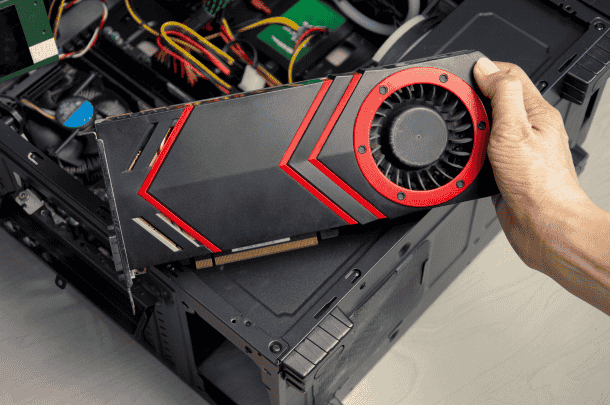
Expensive, lower return fixes that shift the calculation toward replacement: a failed motherboard or a GPU/CPU upgrade constrained by socket and PSU compatibility. These repairs cost significantly more and, on an older system, often can't be paired with meaningfully newer components anyway. You end up paying premium prices to keep an aging platform running rather than genuinely modernizing it.
What You Actually Use It For
Basic tasks, browsing, documents, video calls, email, are comfortably handled by either a repaired older system or a modest refurbished unit; most productivity software today leans on cloud processing rather than demanding powerful local hardware. Gaming, video editing, or heavier creative work raises the bar considerably, and this is where an aging system's limitations (older CPU generation, insufficient RAM ceiling, outdated GPU support) become a harder wall that repair alone often can't fix.
Downtime and Setup Cost: The Factor Most People Forget
Replacement isn't just the purchase price. Migrating accounts, reinstalling software, and reconfiguring everything the way you had it takes real time. This is often enough that repair, even at a similar dollar cost to replacement, ends up being the less disruptive option, because your existing setup, files, and software are already exactly how you want them.
For a business context specifically, this compounds. Multiple systems needing simultaneous attention, plus the labor and lost productivity cost of downtime during the transition, can tip the calculation meaningfully toward whichever option gets machines back in service faster. That isn't always replacement, and it isn't always repair either.
Operating System and Security Support
Since Windows 10 reached end of mainstream support, this has become a genuinely important factor that didn't carry the same weight a few years ago. A repaired system needs to be running (or upgradeable to) a currently supported OS to remain a sound long term choice. A working PC that can no longer receive security updates is accumulating risk regardless of how well its hardware performs. Check Windows 11 compatibility (particularly TPM requirements) before committing to either repair or a specific refurbished unit.
Where Refurbished Desktops Actually Win
Meaningfully lower cost than new, for comparable specs. Refurbished units typically sell well below equivalent new machines while delivering most of the same real-world performance for everyday use.
Professional inspection and testing before sale. When purchased through a reputable refurbisher, this reduces (though doesn't eliminate) the risk of buying someone else's unresolved problem.
A clean starting point, with no accumulated software cruft and no years of incremental hardware patchwork. This is particularly valuable if your current system's problems are more about general age related degradation than one isolated fault.
Warranty coverage. When purchased through a proper refurbishment channel, this directly addresses the biggest hesitation around buying used hardware, since a defined support and return process removes much of the uncertainty.
Where Repair Actually Wins
Preserves your exact setup, meaning your software, files, and configuration stay intact, avoiding the real time cost of rebuilding a system from scratch.
Often meaningfully cheaper for a single, well understood fault, especially on a system under four to five years old.
Better environmental outcome. Extending a system's usable life through targeted repair or component upgrades avoids the embodied environmental cost of manufacturing a replacement, and keeps components out of the e-waste stream longer.
Allows targeted, high impact upgrades. An SSD and RAM upgrade alone often delivers a "feels like a new PC" improvement for routine use, at a fraction of any replacement cost, refurbished or new.
A Practical Decision Framework
Repair if:
- The system is under roughly four to five years old
- The fault is a single, identifiable component (drive, RAM, PSU, a specific failed part)
- Repair cost comes in well under a third to half of what a comparable refurbished replacement would cost
- Your workload is genuinely well-served by the system once the fault is fixed
- Preserving your current setup and avoiding downtime matters to you
Consider refurbished if:
- The system is five or more years old and showing multiple, recurring issues rather than one isolated fault
- Repair cost is approaching or exceeding half of what a comparable refurbished unit would cost
- You're already needing a meaningful performance jump the current hardware platform can't reasonably support
- You want the reduced setup risk and warranty coverage a reputable refurbisher provides
Get a proper diagnosis before deciding either way. A system that seems to need an expensive repair sometimes turns out to have a much cheaper root cause, and a system that seems fine sometimes has a developing issue (a failing drive, in particular) that changes the calculation entirely once identified.
Why Choose Guru Computer Solution
Honest Repair-vs-Replace Guidance We give you a clear diagnosis and cost estimate before recommending a repair, so you can make this comparison with real numbers rather than a guess.
Targeted, High-Impact Upgrades Where an SSD or RAM upgrade would meaningfully improve your system for a fraction of replacement cost, we'll say so directly.
Data-Safe Handling Either Way Whether you repair or eventually replace, we help protect your data through the process rather than treating it as an afterthought.
No Pressure Toward the More Expensive Option If your system genuinely isn't worth repairing further, we'll tell you clearly rather than continuing to bill for diminishing-return fixes.
Conclusion
There's no universal answer to refurbished versus repair. The right choice depends on your system's age, what specifically failed, what you actually use it for, and how much you value avoiding the setup time a replacement requires. A reasonable starting rule, repairing if the cost is well under a third to half of a comparable replacement and leaning toward refurbished as that ratio climbs on an older system, gets most people to the right decision. But a proper diagnosis of what's actually wrong is what makes that comparison meaningful in the first place.
If you're deciding between repairing your current desktop or looking at a refurbished replacement, contact Guru Computer Solution for an honest diagnosis and cost comparison.