7 Signs Your Laptop Motherboard Is Dying (Before It’s Too Late)
24 Jul 2026
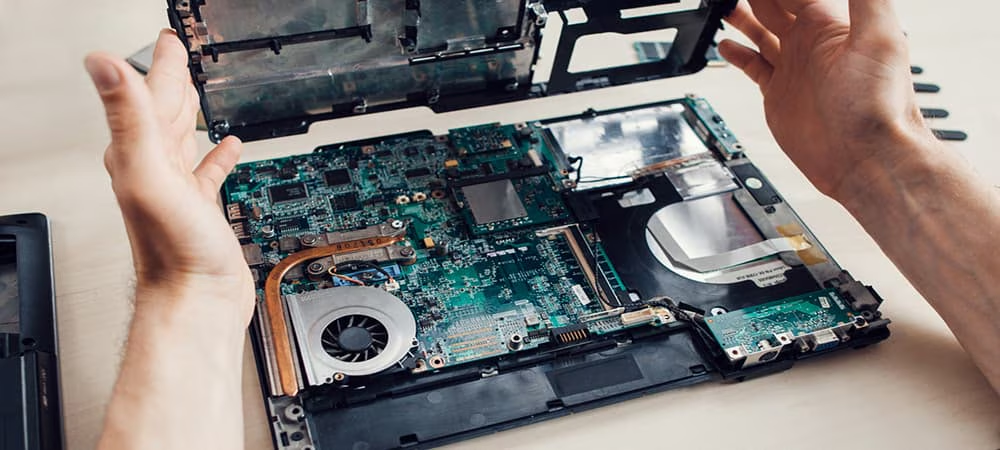
A laptop motherboard rarely fails all at once. In most cases, it sends warning signs weeks or even months before it finally gives out completely random freezes, flickering screens, or a laptop that takes longer and longer to boot. The tricky part is that these symptoms often look like "normal" software glitches, so many people ignore them until the laptop won't turn on at all. Knowing how to recognize the early signs can save you from sudden data loss and a much more expensive repair.
Root Causes of Motherboard Failure Motherboard deterioration can be traced back to several causes, including:
Prolonged overheating from dust buildup or blocked vents Power surges or use of an incompatible/faulty charger Liquid spills that corrode circuits over time Physical shock from drops or impacts Aging capacitors and solder joints breaking down with heat cycles Manufacturing defects that surface after months or years of use Battery swelling that puts pressure on the board General wear and tear over time 7 Signs Your Laptop Motherboard Is Dying You're likely dealing with a failing motherboard if you notice the following:
1. Random Freezes and Crashes:
-> The laptop locks up unpredictably, even during light tasks like browsing or typing, with no clear pattern or trigger.
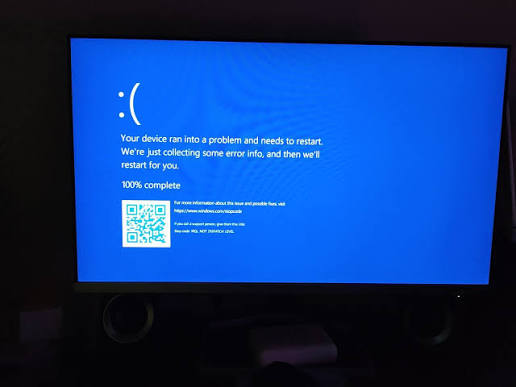
2. Frequent Blue Screens (BSOD):
-> Blue screen errors appear more often, sometimes citing different error codes each time, even after reinstalling the operating system.
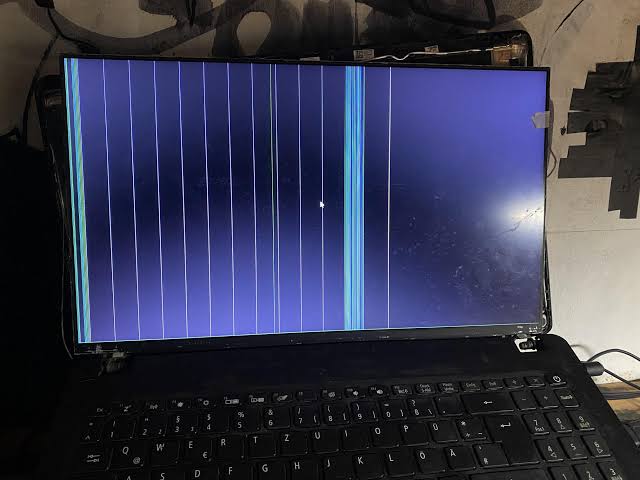
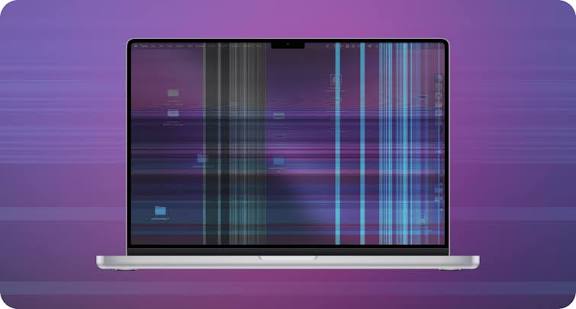
3. Flickering or Distorted Display:
-> The screen flickers, shows artifacts, distorts colors, or goes black intermittently even when the display itself and cable have been ruled out.
4. Ports and Peripherals Stop Working:
-> USB ports, the charging port, or built-in devices like the webcam or audio stop responding one by one, without any driver issues found.
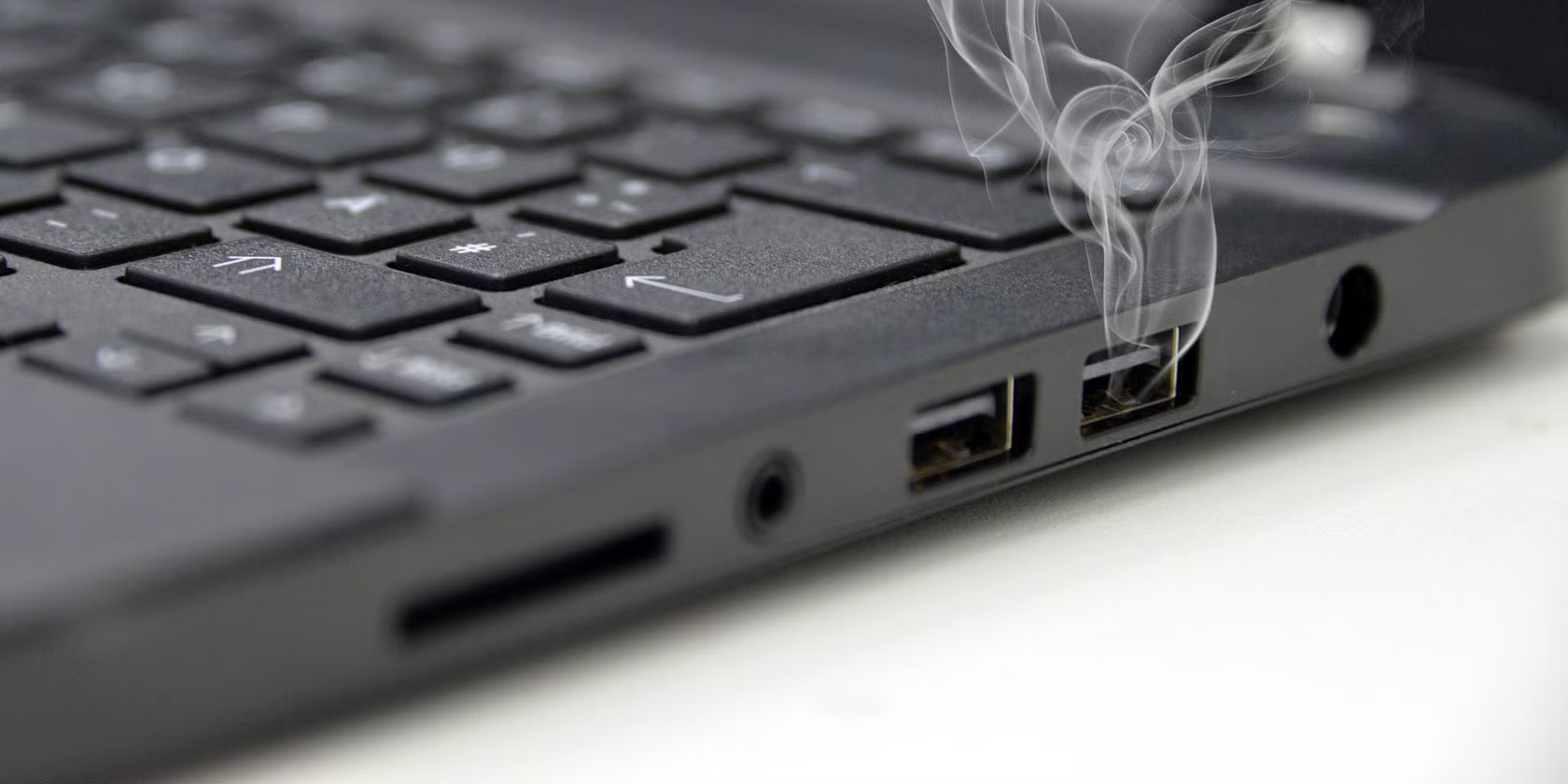
5. Burning Smell or Visible Discoloration:
-> A faint burning odor, scorch marks, or discoloration near certain chips points to component-level heat damage that's already occurred.
6. Laptop Won't Power On, Then Randomly Works Again:
The laptop fails to turn on, then powers up fine after being left alone for a while, a classic sign of a heat-related or intermittent board fault.
7. Battery Not Charging Correctly:
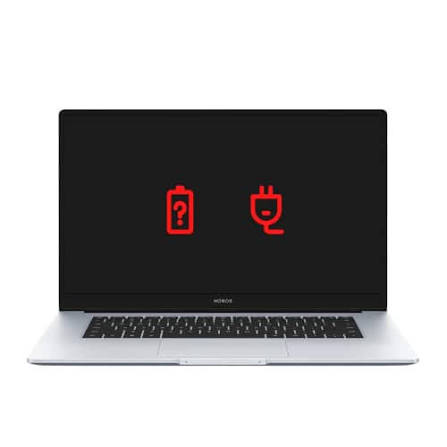
The battery charges inconsistently, stops at a fixed percentage, or the laptop only runs while plugged in, even after replacing the battery and charger. If you notice any of these symptoms, it helps to run through a few basic checks before assuming the worst some issues turn out to be power-related and can be resolved without a full board replacement.
Early Warning vs. Critical Failure Signs It's still an early warning stage:
The symptoms are occasional and inconsistent The laptop still boots and functions normally most of the time Performance dips mainly under heavy load or after long use An external monitor, mouse, and keyboard all work fine Cleaning or a driver update temporarily improves things Signs it's approaching critical failure:
The laptop won't power on at all, or only intermittently You notice a burning smell or visible damage near components Multiple ports or built-in devices fail at the same time The screen shows artifacts even on an external display The problem persists even after a clean OS reinstall Possible Solutions Depending on the root cause, here are the most effective fixes:
Clean Internal Components Regularly Removing dust from vents and fans reduces heat buildup, one of the leading causes of motherboard degradation.
Use the Correct Charger and Stable Power Source Using the original or a certified-compatible charger protects the board's power circuitry from voltage irregularities.
Monitor Battery Health A battery that's swelling or failing should be replaced promptly to prevent pressure damage to the board above it.
Run Diagnostic and Stress Tests Built-in diagnostics or manufacturer tools can catch early component instability before it becomes a full failure.
Thermal Paste and Fan Servicing Reapplying thermal paste and cleaning or replacing fans keeps CPU and GPU temperatures within safe limits.
Component-Level Repair If specific chips, capacitors, or the VRM are the source of the fault, targeted chip-level repair can restore the board without a full replacement.
Motherboard Replacement When damage is too extensive for repair, replacing the motherboard is the most reliable way to restore full functionality.
Why Choose Guru Computer Solution?
1. Certified Technicians
Our experienced technicians can accurately diagnose whether your motherboard issue is an early warning sign or advanced damage, saving you from unnecessary part replacements.
2. Genuine Parts
When a repair or replacement is needed, we use genuine or premium-quality components for lasting reliability.
3. Fast Turnaround
Most motherboard diagnostics and repairs are completed quickly, minimizing downtime for work or study.
4. Warranty Support
Our repair services include warranty coverage for added peace of mind.
5. Affordable Pricing
We offer transparent, competitive pricing for motherboard diagnostics and repair in Kathmandu.
Conclusion
Not every motherboard problem means a full replacement; sometimes it's overheating, a failing battery, or a power issue that can be resolved early. But if the warning signs keep stacking up—freezing, flickering, ports failing, or a burning smell—it's time to get it checked before a manageable fault turns into a total board failure. Guru Computer Solution can quickly diagnose which stage you're at and fix it fast, so you're not stuck with a dead laptop when you need it most.