Desktop PC Repair Cost Guide: Component-Wise Breakdown
02 Aug 2026
"How much will this cost?" is impossible to answer honestly without knowing which component actually failed. Unlike a laptop, a desktop PC is modular — when something breaks, you're rarely paying to fix the whole machine, just the part that failed. That's genuinely good news for your wallet, but it also means repair cost varies enormously depending on which component is at fault. Here's a realistic, component-by-component breakdown.
Why Desktop Repair Costs Work Differently Than Laptops?
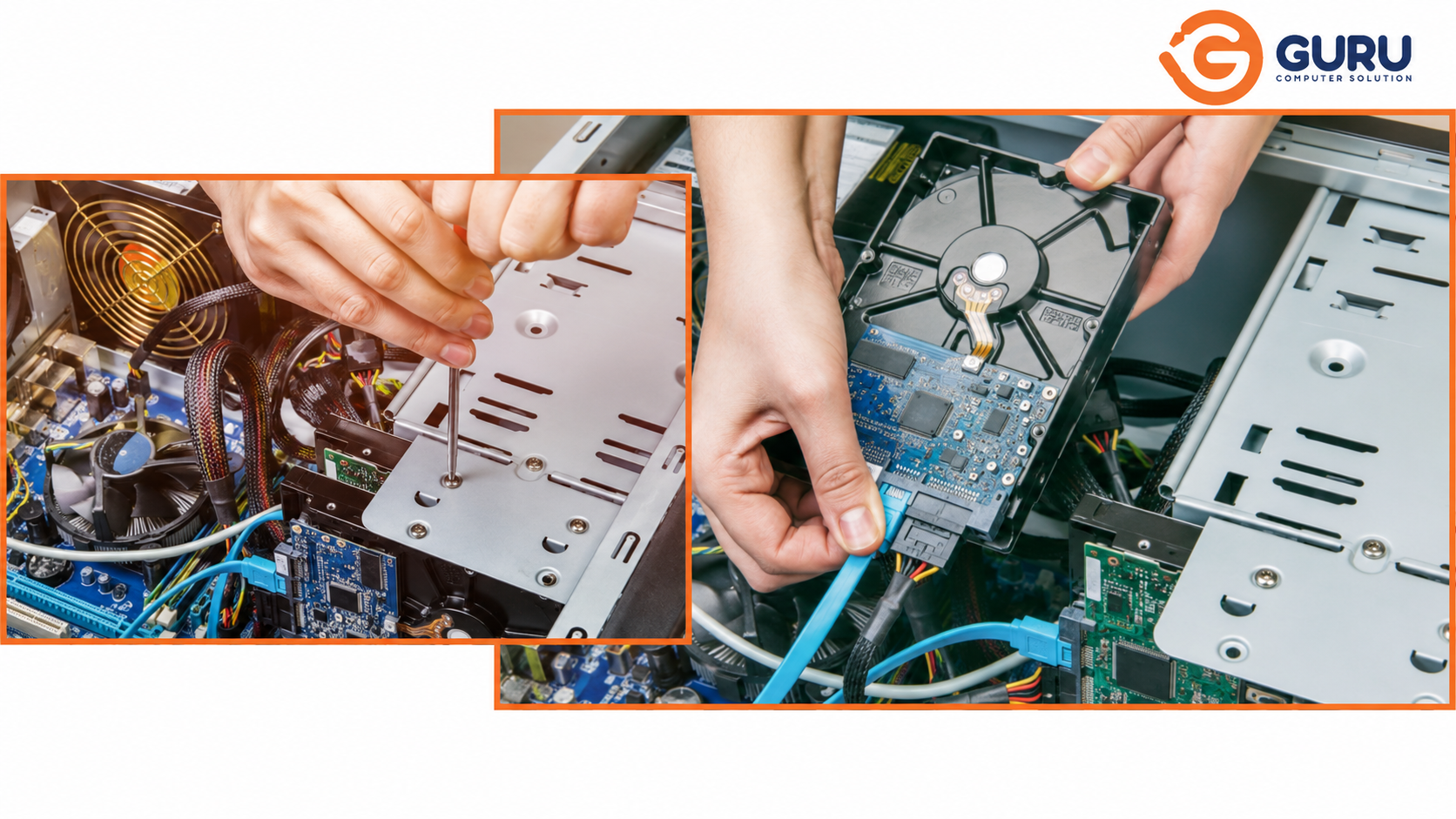
A desktop's modular design means individual components can be diagnosed and replaced independently, without touching the rest of the system. Desktop PCs are built this way specifically so that when something fails, you replace the failed component rather than the entire machine — which is a major cost advantage over sealed, integrated devices.</cite> This is the core reason desktop repair is often dramatically cheaper than replacement, even for aging systems.
Component-Wise Cost Breakdown
The following reflects general international market pricing as a reference point — actual costs in Nepal will vary based on import costs, part availability, and local labor rates. Use this as a framework for what drives cost up or down, and get a specific quote for your exact situation.
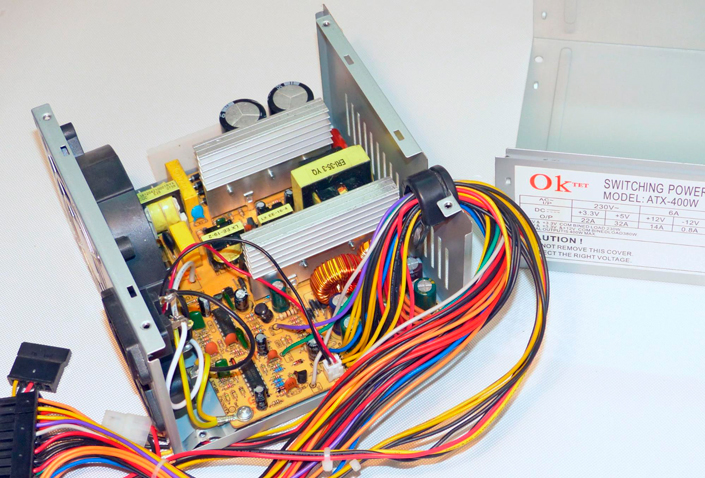
1. Power Supply Unit (PSU)
A failed PSU is one of the most common reasons a desktop won't power on at all. Power supply failure is the single most common reason a PC won't turn on, and replacement typically falls in a moderate cost range compared to other components.
What affects cost: wattage rating, efficiency certification tier, and whether the failure has damaged any connected components (motherboard, drives) that also need replacing.
General cost driver: PSU replacement is usually one of the more affordable major desktop repairs, since the part itself is relatively inexpensive and installation is straightforward for a technician.
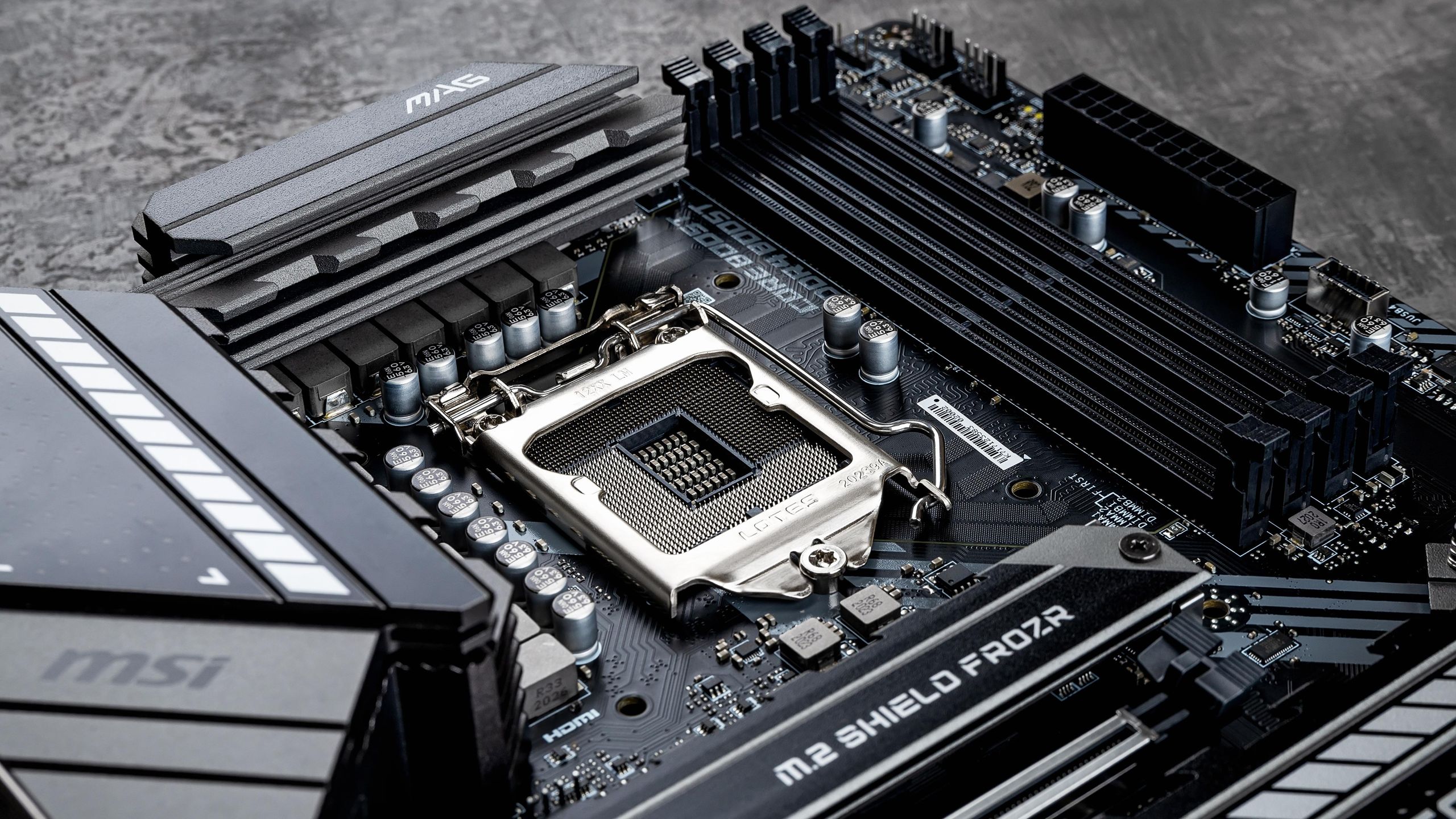
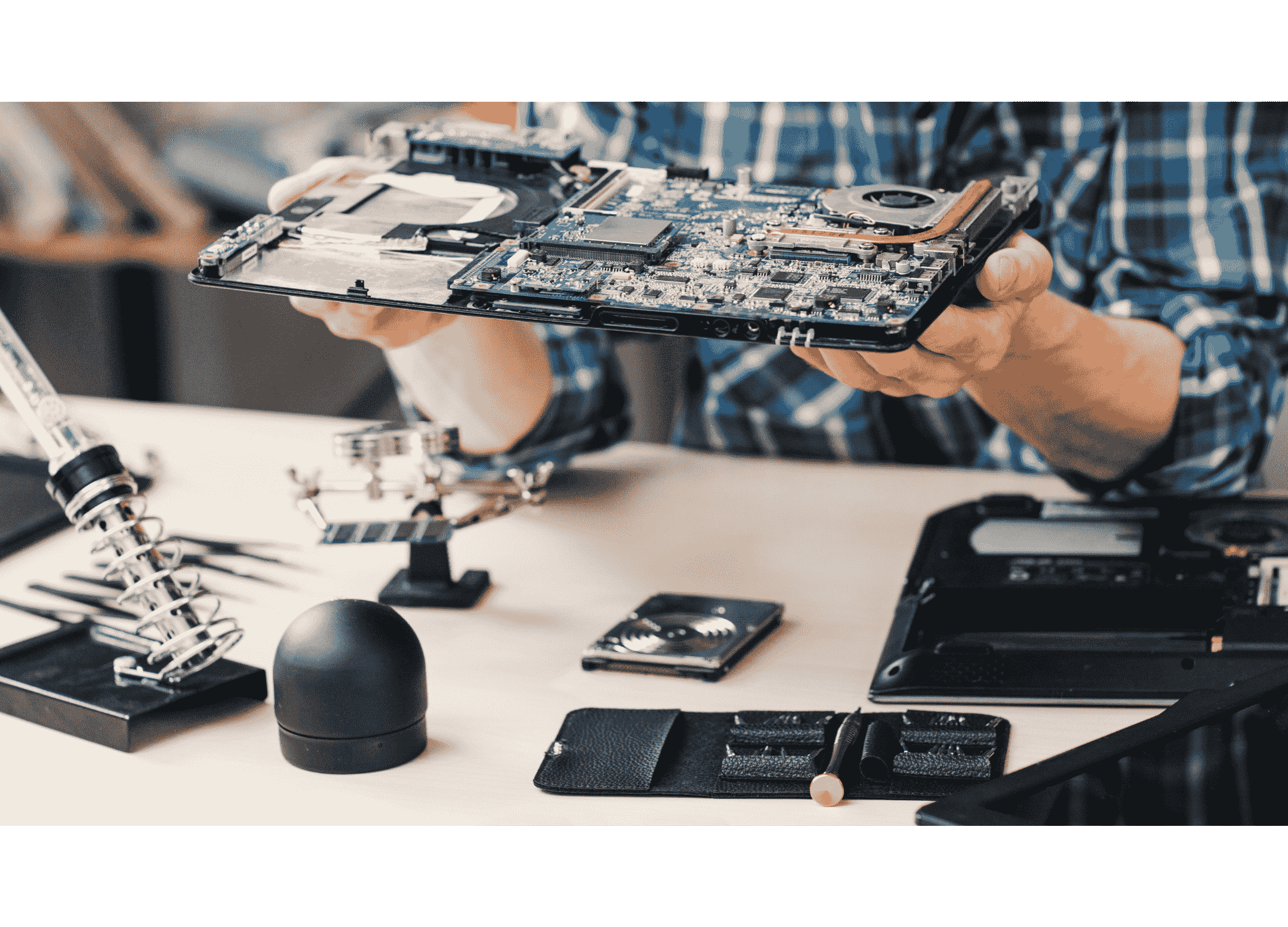
2. Motherboard
Motherboard failure is one of the more expensive and involved desktop repairs, since it affects every other component connected to it.
What affects cost: Chipset tier, form factor, whether it's a full replacement or a chip-level/component-level repair (VRM, capacitors), and part sourcing time for less common boards.
General cost driver: Motherboard repair or replacement tends to sit at the higher end of common desktop repairs, reflecting both the complexity of diagnosis and the part cost itself.</cite> Chip-level repair, where viable, is typically far less expensive than a full board swap.
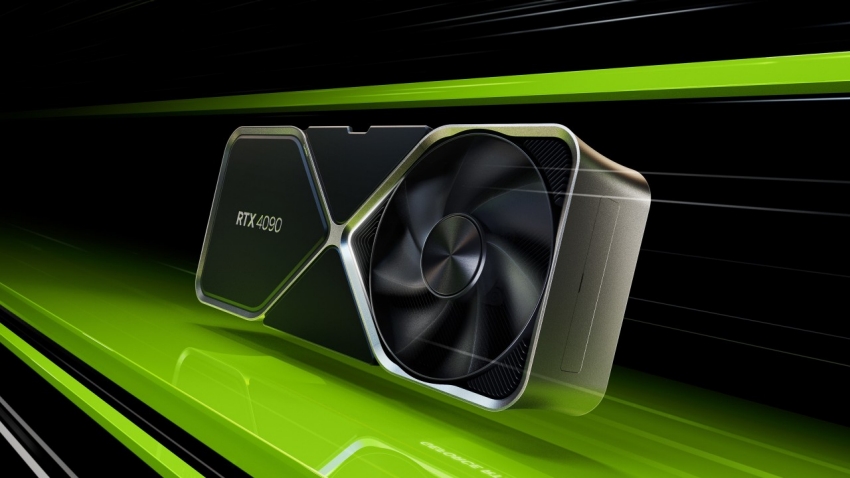
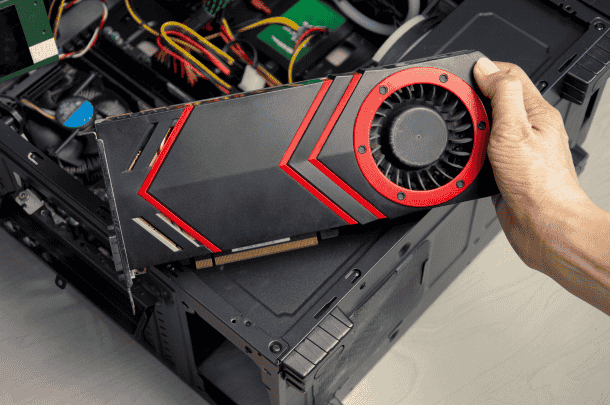
3. Graphics Card (GPU)
GPU issues range from a simple diagnostic (confirming whether the card itself has failed versus another component causing display issues) to a full replacement.
What affects cost: Entry-level replacement cards sit at the lower end of the range, while mid-range cards cost more, and high-end cards built for gaming or graphics work can be substantially more expensive.
General cost driver: GPU repair (as opposed to replacement) is less common than for other components, since modern GPUs are dense, specialized boards — diagnosis to confirm the actual fault is often the more cost-effective first step before deciding between repair and replacement.
4. Storage (HDD/SSD)
One of the most straightforward and commonly needed desktop repairs.
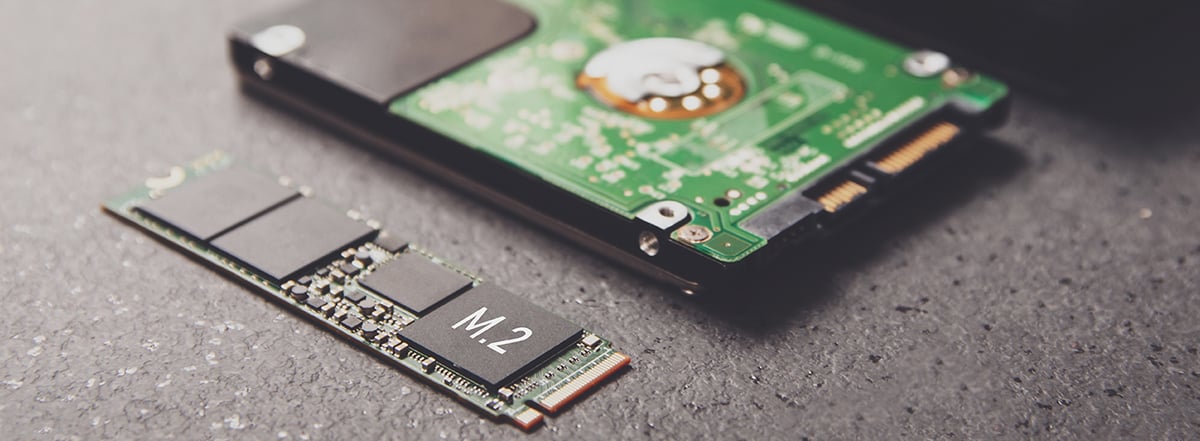
What affects cost: drive type (HDD vs SSD vs NVMe), capacity, and whether data recovery is needed in addition to replacement.
General cost driver: A full hard drive replacement, including the part and labor, typically costs less than most other major component repairs, making it one of the more accessible fixes on this list. SSD replacement costs vary more by capacity than HDD, but installation labor is comparable.
5. RAM (Memory)
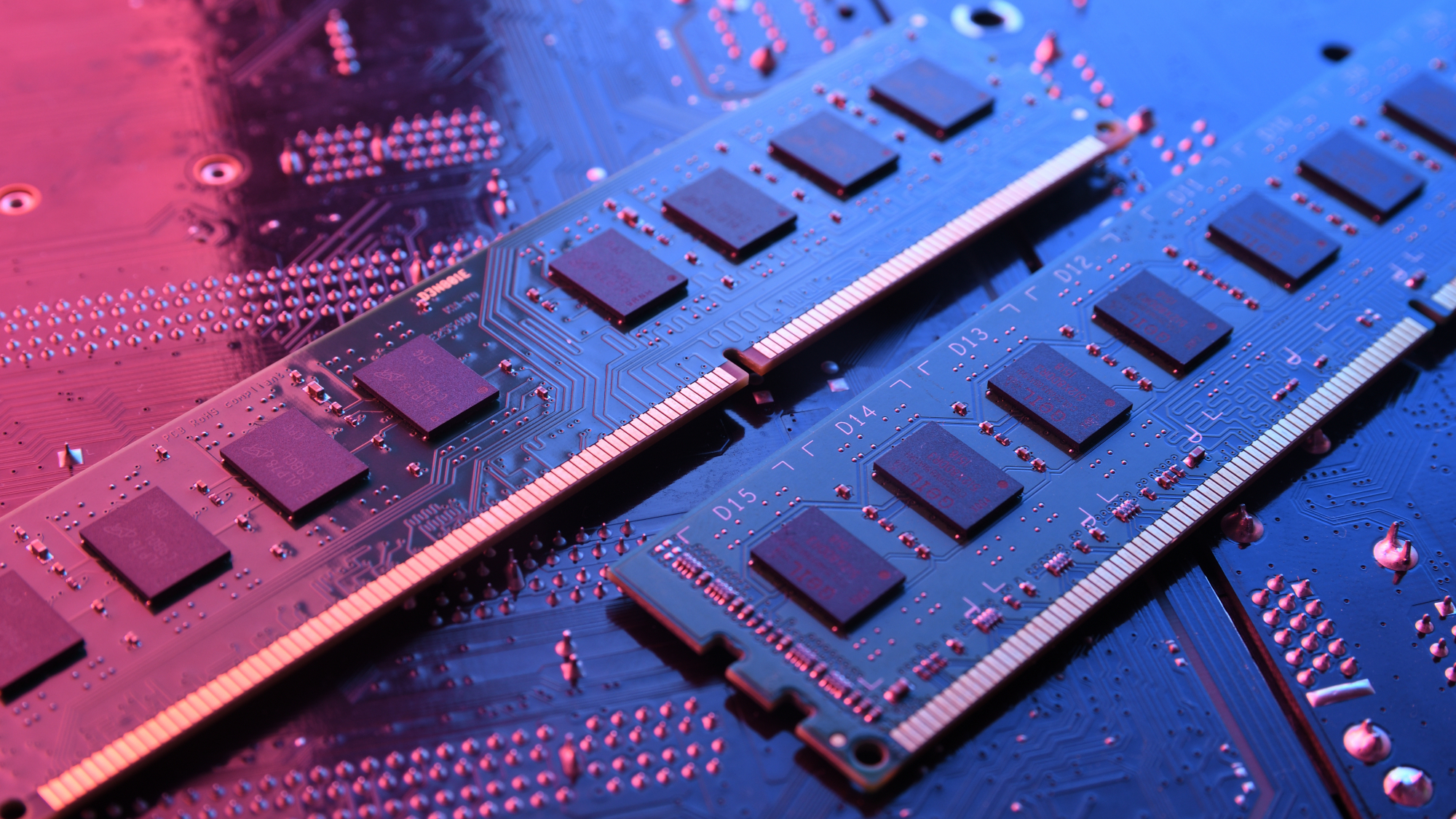
Rarely a major cost item — RAM failure is usually diagnosed via testing (running memory diagnostic tools to isolate a faulty stick) and resolved with a straightforward swap.
What affects cost: RAM type/generation (DDR4 vs DDR5), capacity, and matching existing sticks if not replacing the full set.
General cost driver: It was one of the least expensive component to replace until 2025 but in 2026 the price of RAM has skyrocket and for knowing the exact price of the ram you must visit our store or just give me call at our number.
6. Cooling System (Fans, Heatsink, Liquid Cooling)
Often overlooked until overheating or unusual noise forces the issue.
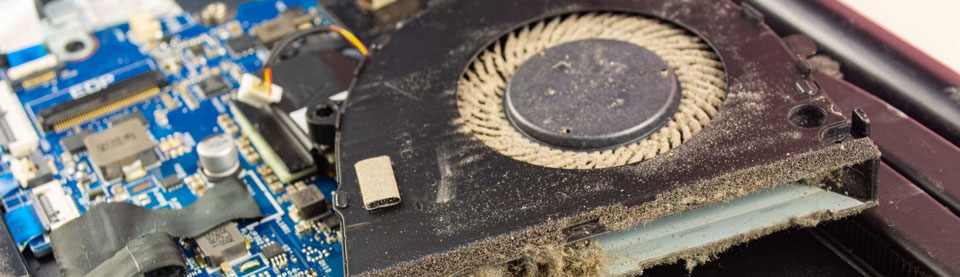
What affects cost: whether it's a simple fan replacement, thermal paste renewal, or a full liquid cooling loop repair/replacement.
General cost driver: fan and thermal paste service sits at the lower end of repair costs; liquid cooling system repairs (pump failure, leaks) cost more due to the complexity and risk of secondary component damage from leaks.
7. Diagnostic and Labor Costs
This is the cost category most people forget to budget for.
Simple issues like software conflicts or basic troubleshooting typically cost less and take less time, while moderate-complexity problems such as hardware component replacement require more diagnostic work and cost more, and complex system failures involving motherboard-level repairs or data recovery cost the most and take the longest.</cite>
Why this matters: the labor/diagnostic cost can meaningfully change the total bill even for an inexpensive part — a $20 fan can still come with a diagnostic fee if the actual cause of overheating wasn't obvious.
Repair vs. Replace: A Practical Framework
A commonly used rule of thumb is that a repair costing more than 25–50% of the computer's original value is usually not worth it compared to replacement.</cite> For desktops specifically, this threshold tends to favor repair more often than it does for laptops, since:
Individual components are cheaper relative to the whole system
A single failed part rarely means the rest of the system is compromised
Desktops are generally easier and cheaper to upgrade incrementally over time
Repair usually makes sense when:
The failed component is a single, identifiable part (PSU, RAM, storage, a fan)
The system is otherwise performing well and meets your current needs
The repair cost is well under the threshold of a comparable replacement system
Replacement becomes more sensible when:
Multiple components have failed or are aging simultaneously
The motherboard or CPU — the two hardest/most expensive components to upgrade — are the actual point of failure on an older system
Repair costs approach or exceed half the cost of a comparably capable new or refurbished system
What Drives Cost Up Beyond the Part Itself
Diagnostic complexity: a system with multiple possible causes (e.g., won't boot, could be PSU, motherboard, or RAM) takes longer to isolate correctly than an obvious single-component failure
Part sourcing: older, discontinued, or uncommon components take longer to source and often cost more due to limited availability
Secondary damage: a failed PSU that also damaged the motherboard or drives turns a single-component repair into a multi-component one
Data recovery needs: if a failed storage drive also requires data recovery, this is typically quoted separately from the drive replacement itself
Why Choose Guru Computer Solution
Accurate Diagnosis Before Any Quote We identify the actual failed component before quoting a repair, avoiding unnecessary part replacement.
Transparent, Itemized Pricing You'll see exactly what you're paying for — part cost and labor listed separately, not bundled into a vague total.
Both Repair and Replacement Options Where chip-level or component-level repair is viable and more cost-effective than full replacement, we'll tell you.
Honest Repair-vs-Replace Guidance If your system's repair cost doesn't make sense relative to replacement, we'll say so rather than pushing an unnecessary repair.
Conclusion
Desktop PC repair costs vary enormously depending on which component actually failed — a RAM or fan issue might cost a fraction of what a motherboard or GPU repair does. The modular nature of desktops is genuinely an advantage here: you're rarely paying to fix the whole system, just the specific part that broke. The real question worth asking before any repair is whether the cost makes sense relative to your system's overall value and remaining useful life — and that starts with an accurate diagnosis, not a guess.
If your desktop is having issues and you want an honest diagnosis and clear cost breakdown, contact Guru Computer Solution for a professional assessment.