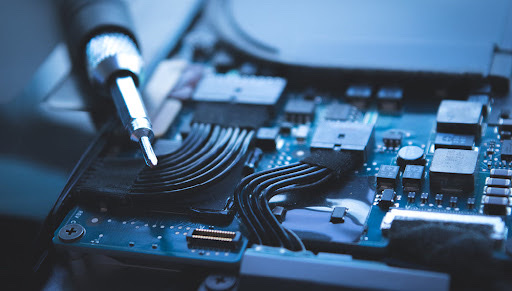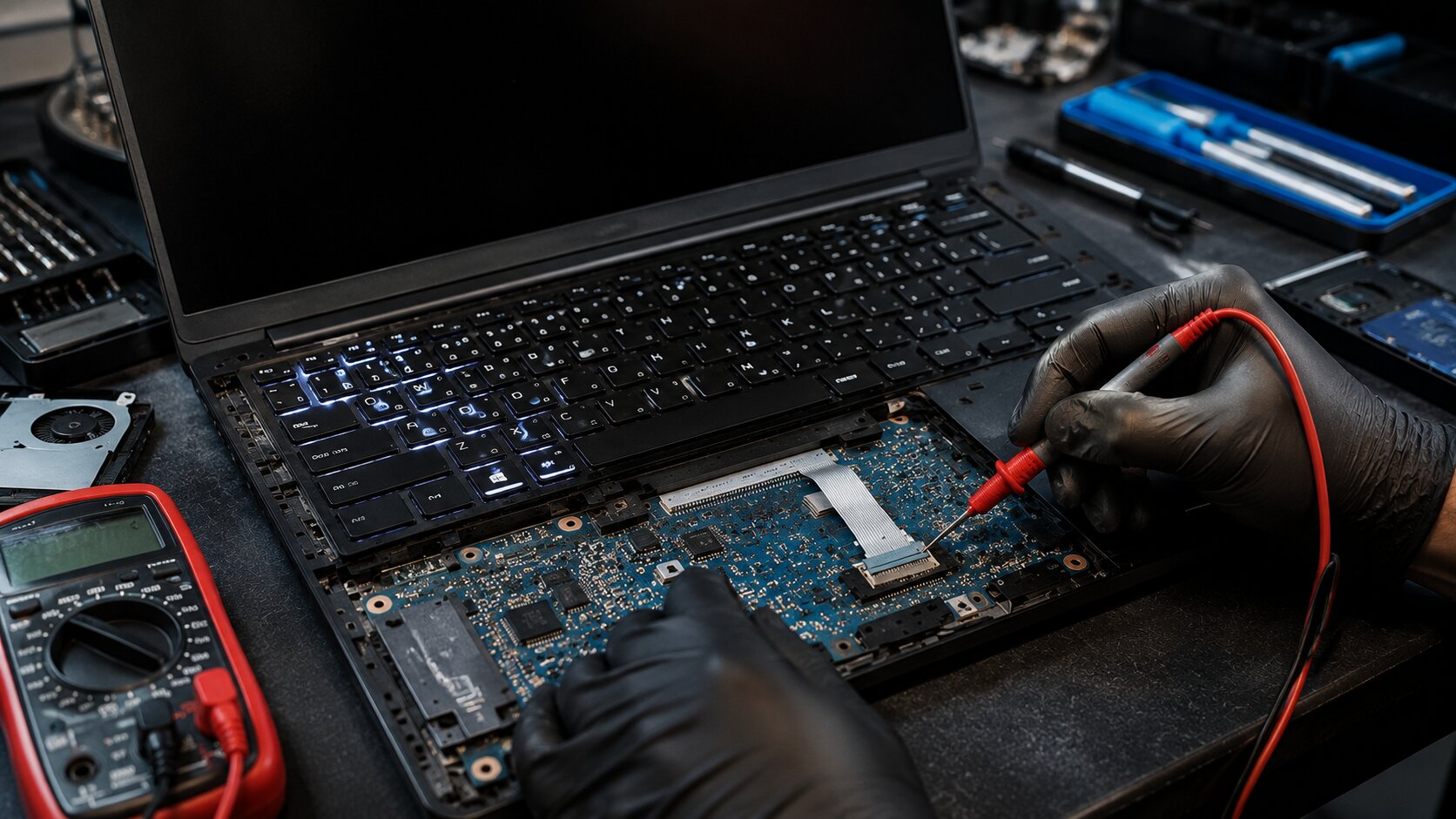
A keyboard backlight is more than just a cosmetic feature—it improves visibility in low-light environments and enhances the overall user experience. When the keyboard backlight suddenly stops working, many users assume it's a simple software issue. While incorrect settings or driver problems can sometimes be the cause, hardware faults such as a blown fuse, damaged keyboard cable, or failed keyboard controller are also common, especially after liquid spills, drops, or electrical issues.
Diagnosing a keyboard backlight problem requires understanding how power is delivered from the motherboard to the keyboard and how the backlight is controlled. In this article, we'll explore the most common causes of keyboard backlight failure, the symptoms to watch for, and the steps technicians use to identify whether the issue lies with the fuse, ribbon cable, keyboard assembly, or motherboard circuitry.
Why Laptop Keyboard Backlight Not Working?
A non-functioning keyboard backlight can make it difficult to use your laptop in dim environments. In some cases, the keyboard itself continues to work normally while only the lighting fails.
Common issues include:
- Keyboard backlight completely off
- Backlight works intermittently
- Certain sections of the keyboard are dark
- Brightness controls have no effect
- Backlight stopped working after a repair
- Backlight failed after a liquid spill
- Keyboard functions normally but has no illumination
Why Does It Happen?
1. Disabled Backlight Settings
Many laptops allow users to disable the keyboard backlight through:
- Function key shortcuts
- BIOS settings
- Manufacturer software
2. Damaged Keyboard Ribbon Cable
The keyboard cable carries both keyboard signals and backlight power. A loose or damaged cable can prevent illumination.
3. Blown Backlight Fuse
Many motherboards include a dedicated fuse that protects the keyboard backlight circuit from electrical faults.
4. Failed Keyboard Controller
The Embedded Controller (EC) or keyboard controller manages backlight functions and brightness adjustments.
5. Liquid Damage
Spilled liquids can corrode connectors, short components, and damage backlight circuitry.
6. Motherboard Circuit Failure
Damaged MOSFETs, power rails, or backlight control circuits can interrupt power delivery to the keyboard.
7. Defective Keyboard Assembly
The LED backlight inside the keyboard may fail even when the keyboard itself continues functioning.
How Can Customers Identify the Issue?
Signs of a hardware-related keyboard backlight problem include:
- Backlight remains off after adjusting brightness settings
- Keyboard works normally but has no illumination
- Backlight flickers randomly
- Lighting fails after liquid exposure
- Only part of the keyboard illuminates
- BIOS settings show backlight enabled
- Function keys respond but lighting does not change
- Backlight stopped working after keyboard replacement
Understanding the Backlight Circuit
A typical laptop keyboard backlight system includes:
- Keyboard LED assembly
- Keyboard ribbon cable
- Backlight fuse
- Power delivery circuit
- Embedded Controller (EC)
- Motherboard connectors
When the user enables the backlight, the controller sends commands to activate power delivery through the backlight circuit. Any interruption in this chain can cause the lighting system to fail.
Common Diagnostic Areas
Backlight Fuse Testing
Technicians use a multimeter to check whether the fuse is passing voltage correctly.
Ribbon Cable Inspection
A partially inserted or damaged cable can interrupt power to the LEDs.
Connector Examination
Bent pins, corrosion, or contamination may prevent proper communication.
Keyboard Assembly Testing
Known-good replacement keyboards help determine whether the fault lies within the keyboard itself.
Embedded Controller Diagnostics
Advanced diagnostics may be required to verify controller operation and signal output.
Motherboard-Level Inspection
Power rails, MOSFETs, and backlight control circuitry may require component-level testing.
Solutions
Verify Backlight Settings
Before opening the laptop:
- Check keyboard shortcut keys
- Verify BIOS settings
- Review manufacturer software settings
Reseat the Keyboard Cable
A loose connection can often be resolved by reconnecting the ribbon cable.
Replace the Keyboard
If the LED assembly has failed, replacing the keyboard may restore functionality.
Replace a Blown Fuse
Motherboard repair technicians can replace damaged backlight fuses when appropriate.
Repair Motherboard Circuitry
Power delivery and control circuit failures may require component-level motherboard repair.
Professional Diagnostics
Because diagnosing keyboard backlight circuits often involves motherboard testing, professional evaluation is recommended when software fixes fail.
Why Choose Guru Computer Solution?
1.Certified Technicians
Experienced professionals trained in motherboard diagnostics and laptop repair.
2.Genuine Parts
Quality replacement keyboards, cables, and components.
3.Fast Turnaround
Efficient troubleshooting and repair services.
4.Warranty Support
Repairs backed by service warranty.
5.Affordable Pricing
Cost-effective solutions focused on repair before replacement.
Conclusion
A laptop keyboard backlight that stops working isn't always caused by software settings or drivers. Faulty ribbon cables, blown fuses, damaged keyboard assemblies, and keyboard controller failures are common hardware causes that require proper diagnosis. Identifying the root cause early can prevent unnecessary part replacements and help restore full keyboard functionality. Whether the issue is a simple cable connection or a motherboard-level fault, accurate diagnostics are essential for a reliable repair.