USB ports are among the most frequently used connections on a laptop. From keyboards, mice, and USB drives to external hard disks, smartphones, printers, and other accessories, many everyday devices depend on a working USB port.
When a laptop USB port stops detecting devices, becomes loose, gets physically damaged, or fails to provide power, the problem can be caused by the port itself, the connected device, a cable, Windows drivers, or the laptop's motherboard.
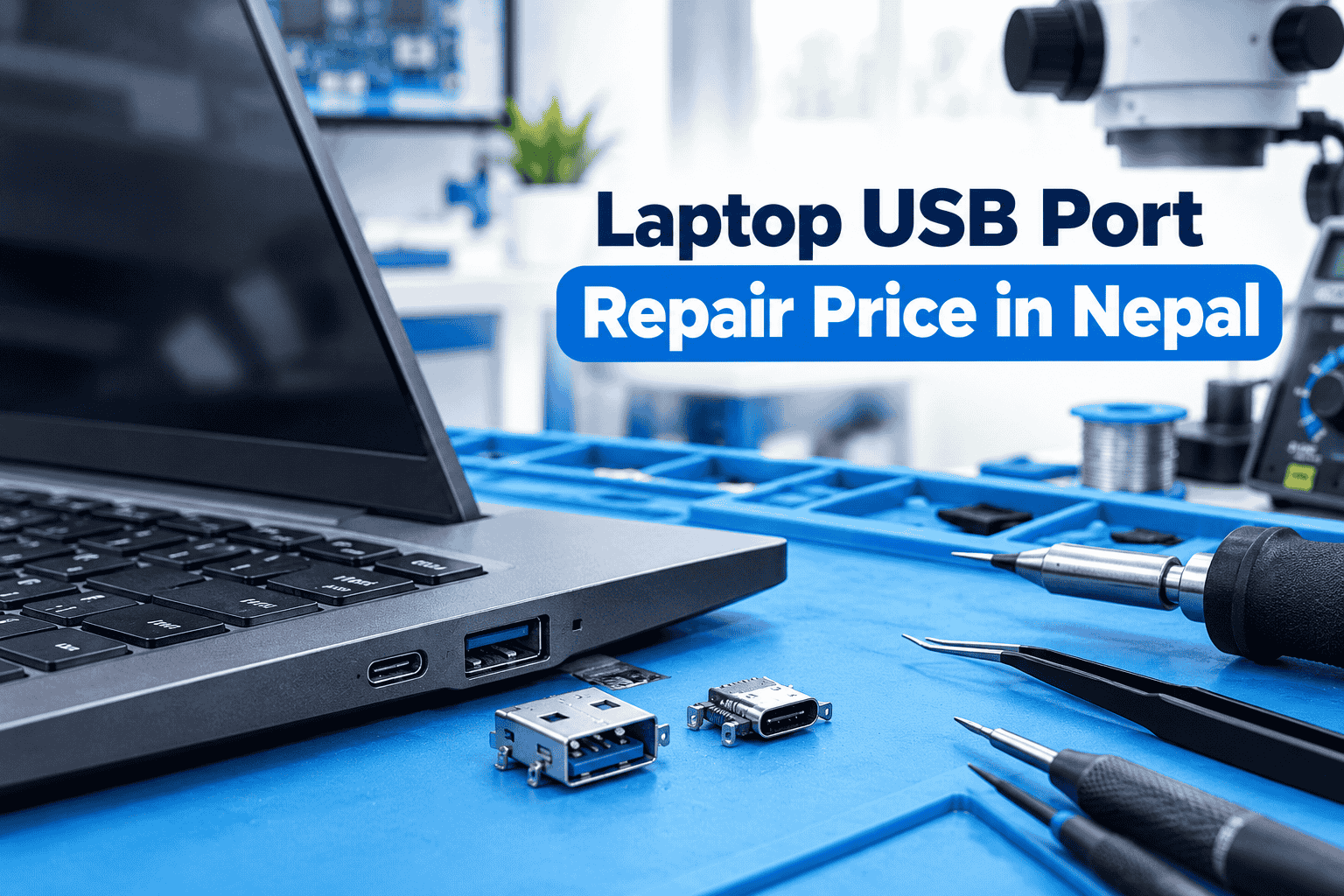
The laptop USB port repair price in Nepal depends on the laptop model, type of USB port, extent of damage, availability of replacement parts, and whether motherboard-level repair is required. In this guide, we explain USB port repair and replacement, USB-C problems, HDMI and audio jack repair, common symptoms, and how professional laptop port repair works.
What Is a Laptop USB Port?
A laptop USB port is a connectivity interface used to connect external devices to a computer. Depending on the laptop, you may find traditional USB-A ports, USB-C ports, or a combination of both.
USB ports can be used for:
- Connecting keyboards and mice
- Transferring files using USB drives
- Connecting external hard drives and SSDs
- Connecting smartphones and tablets
- Using USB printers and scanners
- Connecting webcams and other accessories
- Charging compatible devices
- Connecting displays through USB-C on supported laptops
USB-C can provide additional functionality depending on the laptop's hardware. Some USB-C ports support only data transfer and charging, while others can also support video output or high-speed data standards.
Therefore, a USB-C port problem should be diagnosed according to the specific capabilities of the laptop.
Laptop USB Port Repair Price in Nepal
There is no single fixed laptop USB port repair price in Nepal because the required repair can vary considerably from one laptop to another.
A simple loose connection may require a different repair from a physically broken USB connector. If the port has damaged solder joints, a technician may be able to repair the connection. If the connector itself is damaged, replacement may be required.
The situation can become more complex when the USB power circuit, motherboard traces, controller, or other components are damaged.
The final cost can therefore depend on the laptop brand and model, USB-A or USB-C port type, physical condition of the connector, motherboard damage, replacement-part availability, and the amount of component-level work required.
For an accurate price, the laptop should be inspected first rather than assuming that every USB port problem has the same repair cost.
Laptop USB Port Replacement in Nepal
A laptop USB port may need replacement when the connector is physically damaged or cannot maintain a reliable connection.
Common reasons for USB port replacement include:
- Broken USB connector
- Bent internal pins
- Loose port
- Port pulled away from the motherboard
- Damaged solder joints
- Physical damage caused by force
- USB port that repeatedly disconnects devices
- Port that no longer provides power
USB port replacement generally requires opening the laptop and accessing the motherboard or relevant daughterboard. Depending on the laptop design, the port may be soldered directly to the motherboard or mounted on a separate board.
A technician should therefore identify the exact laptop model and port design before sourcing and installing a replacement connector.
Laptop USB Not Working – Common Causes
A laptop USB port not working does not necessarily mean that the physical connector is damaged.
Several different problems can cause USB devices to stop working.
Physically Damaged USB Port
If the port has been bent, broken, pushed inward, or physically loosened, the USB device may not connect properly.
Damaged USB Pins
The internal contacts inside a USB connector can become bent or damaged. This may cause intermittent connections or prevent the device from being detected.
Faulty USB Device or Cable
A defective flash drive, external hard disk, smartphone cable, keyboard, or other USB device can make a working laptop port appear faulty.
USB Driver Problems
Windows USB or chipset drivers can sometimes cause connectivity problems. Updating or reinstalling the appropriate drivers may resolve a software-related issue.
USB Power Management
Windows power-management settings can sometimes affect USB devices, particularly when a device disconnects after the laptop enters sleep mode or power-saving mode.
Motherboard-Level USB Fault
If several ports stop working or a known-good USB device receives no power from the laptop, the problem may involve the motherboard's USB power or controller circuitry.
Laptop Type-C Port Repair in Nepal
USB-C has become increasingly common on modern laptops because a single compact connector can support different functions depending on the device.
A USB-C port may be used for:
- Data transfer
- Charging
- Connecting external storage
- Connecting smartphones
- Display output
- Docking stations
- USB-C accessories
However, not every USB-C port supports all of these functions.
For example, a laptop may have a USB-C port that supports data and charging but does not support video output. Therefore, a USB-C problem should be diagnosed according to the laptop's specifications.
If the port is physically damaged, loose, or unable to establish a connection with known-good accessories, professional inspection may be required.
Laptop USB-C Port Replacement
Laptop USB-C port replacement can be more complicated than replacing a traditional USB-A connector.
Modern USB-C ports contain multiple contacts in a compact connector, and the surrounding circuitry can be closely integrated with the laptop's motherboard.
A USB-C problem may also involve charging circuitry, data lines, power-delivery components, or display-output circuitry depending on the laptop.
If the connector is physically damaged, a technician may replace the port. If the connector is intact but the laptop still fails to charge or communicate through USB-C, additional motherboard-level diagnosis may be necessary.
Laptop HDMI Port Repair
HDMI is another important laptop connectivity port used for connecting external monitors, TVs, and projectors.
A damaged HDMI connector can result in:
- No signal
- Intermittent display
- External monitor not detected
- Flickering output
- Loose connection
- Display disconnecting when the cable moves
However, HDMI problems can also originate from the cable, graphics driver, display settings, monitor, or motherboard circuitry.
For more information, see our related guide on laptop HDMI repair and replacement.
Laptop Audio Jack Repair in Nepal
The laptop audio jack is used to connect wired headphones, earphones, speakers, and other audio equipment.
A damaged audio jack can produce symptoms such as:
- Headphones not detected
- Audio working only on one side
- Sound cutting in and out
- Loose headphone connection
- No sound through wired headphones
- Audio switching unexpectedly between speakers and headphones
Like USB and HDMI problems, audio jack issues can be caused by either hardware or software.
If multiple headphones work correctly on another device but none work properly with the laptop, the laptop's audio jack, audio circuitry, driver, or configuration may need to be checked.
Signs Your Laptop USB Port Needs Repair
Several symptoms can indicate a hardware problem with a laptop USB port.
USB Device Is Not Detected
If a known-working USB device is not recognized by one particular port, the port may require diagnosis.
USB Connection Keeps Disconnecting
Repeated connection and disconnection can indicate a loose port, damaged contacts, cable problem, or software issue.
Port Feels Loose
A USB connector that moves significantly when a cable is inserted may have damaged mounting points or solder connections.
USB Works Only in Certain Positions
If the device works only when the cable is held at a particular angle, the physical connection may be damaged.
USB Device Receives No Power
Some USB devices rely on power from the laptop. If the port provides no power to multiple known-working devices, the USB power circuit may need inspection.
Multiple USB Ports Stop Working
When several ports fail simultaneously, the problem may be related to drivers, USB controllers, motherboard circuitry, or power management rather than individual connectors.
USB Port Hardware Problem vs Software Problem
Before replacing a USB port, it is important to determine whether the problem is actually hardware-related.
Start by testing the same device on another USB port or another computer. If the device works elsewhere, try another known-working USB device with the laptop.
Windows-related problems can also affect USB functionality. Device drivers, chipset drivers, power-management settings, and operating-system issues can sometimes cause devices to stop being detected.
Physical symptoms are more suggestive of a hardware problem. These include a loose connector, visible damage, bent contacts, intermittent connection when the cable moves, or a port that has completely lost power.
A professional diagnosis can help distinguish a software issue from a damaged connector or motherboard fault.
Can a Laptop USB Port Be Repaired?
Yes, many laptop USB port problems can be repaired.
The appropriate solution depends on the type and location of the damage.
A technician may be able to repair damaged solder connections or mounting points. If the connector itself is broken, replacing the USB port may be necessary.
If the USB connector is working correctly but the port still does not provide power or data connectivity, the technician may need to inspect the motherboard and related components.
This is why simply replacing the USB connector does not always solve the underlying problem.
How Is a Laptop USB Port Replaced?
Professional laptop USB port replacement generally involves several steps.
1. Initial Diagnosis
The laptop is tested using known-working USB devices and cables to determine the nature of the problem.
2. Physical Inspection
The technician checks the port for broken housing, bent contacts, looseness, contamination, and other visible damage.
3. Motherboard Inspection
The USB connection and surrounding motherboard area are inspected for broken solder joints, damaged traces, or other component-level faults.
4. Port Removal
If the connector is damaged, it is carefully removed using appropriate repair equipment.
5. Replacement or Component Repair
A compatible USB-A or USB-C connector is installed, or the damaged connection is repaired where possible.
6. Testing
The repaired port is tested for power delivery and data communication using suitable USB devices.
7. Final System Check
The laptop is checked to make sure the repaired port operates reliably under normal use.
Laptop USB Port Repair Kathmandu
If you are searching for laptop USB port repair in Kathmandu, it is important to choose a repair center that can diagnose both port-level and motherboard-level problems.
A USB port that looks damaged may only need connector repair, while a port that looks perfectly normal may have a problem with the motherboard circuitry.
Professional diagnosis should therefore include physical inspection, testing with known-working devices, and examination of the relevant motherboard circuitry when necessary.
Guru Computer Solution provides professional laptop repair and hardware troubleshooting services in Kathmandu. Its repair services cover different laptop brands and hardware problems, including component-level and motherboard-related issues.
For USB, USB-C, HDMI, audio jack, charging, and other connectivity problems, technicians can diagnose the hardware before determining whether repair or replacement is appropriate.
What Affects Laptop USB Port Repair Cost in Nepal?
The final repair cost can vary depending on several factors.
Laptop Brand and Model
Different laptop models use different motherboard designs and port configurations. Access to the connector can also vary.
USB Port Type
USB-A and USB-C connectors have different physical designs and repair requirements. USB-C repair can require additional diagnosis depending on the functions supported by the port.
Physical Damage
A loose connector, broken port, damaged pins, and damaged motherboard traces can require different levels of repair.
Motherboard Damage
If the USB problem extends beyond the connector, additional component-level work may be necessary.
Parts Availability
Common replacement connectors can be easier to source than specialized connectors used on less common laptop models.
Laptop Disassembly
Some laptops require more extensive disassembly to reach the motherboard or port assembly, increasing the complexity of the repair.
Additional Circuit Repair
USB-C ports can be associated with charging, data, and display functions. If related circuitry has been damaged, the repair may require more than simply replacing the connector.
For these reasons, a repair center should inspect the laptop before providing a final repair quotation.
Laptop Port Repair Service at Guru Computer Solution
Guru Computer Solution provides laptop hardware repair and technical support in Kathmandu.
The repair center handles laptop-related hardware problems and can diagnose issues involving USB ports, USB-C ports, HDMI connections, audio jacks, charging ports, and other laptop connectivity components.
The repair process focuses on identifying the actual cause of the problem before determining whether a component should be repaired or replaced.
Guru Computer Solution has repair locations across Kathmandu Valley and provides laptop repair support for different brands and models.
If your laptop USB port is loose, damaged, not detecting devices, or failing to provide power, professional diagnosis can help determine whether the problem requires USB port repair, USB port replacement, software troubleshooting, or motherboard-level repair.
Frequently Asked Questions
How much does laptop USB port repair cost in Nepal?
The cost depends on the laptop model, type of USB port, extent of physical damage, replacement-part availability, and whether motherboard-level repair is required. A final price is best determined after inspecting the laptop.
Can a broken laptop USB port be replaced?
Yes. A physically damaged USB connector can often be replaced if the laptop's motherboard and connector design allow the repair.
Why is my laptop USB not working?
A laptop USB port may stop working because of physical damage, bent contacts, a faulty USB device or cable, driver problems, Windows power settings, or a motherboard-level fault.
Can a loose USB port be repaired?
A loose USB port may be repairable if the problem involves solder joints or mounting connections. If the connector is physically damaged, replacement may be required.
How much does laptop USB-C port replacement cost?
There is no universal USB-C replacement price because different laptops use different USB-C connectors and motherboard designs. The cost depends on the laptop model, connector, damage, parts availability, and additional circuitry involved.
Can a laptop Type-C charging port be repaired?
In some laptops, a damaged USB-C charging port can be repaired or replaced. However, USB-C charging problems can also involve the charging circuit or power-delivery components, so diagnosis is important.
Why is my USB-C port not detecting devices?
Possible causes include a damaged connector, faulty cable or accessory, driver problems, unsupported USB-C functionality, or a motherboard-level hardware fault.
Can a laptop HDMI port be repaired?
Yes, depending on the laptop and damage. A damaged HDMI connector may be repaired or replaced, while motherboard-level display circuitry may require additional repair.
How much does laptop audio jack repair cost in Nepal?
Audio jack repair cost depends on the laptop model, type of connector, physical damage, parts availability, and whether the fault extends into the motherboard or audio circuitry. An inspection is recommended before confirming the price.
Where can I repair a laptop USB port in Kathmandu?
A professional laptop repair center can inspect the USB connector, motherboard, drivers, and related circuitry to determine the appropriate repair. Guru Computer Solution provides laptop hardware repair and technical support in Kathmandu.